

Every order. Every resource. Always under control.
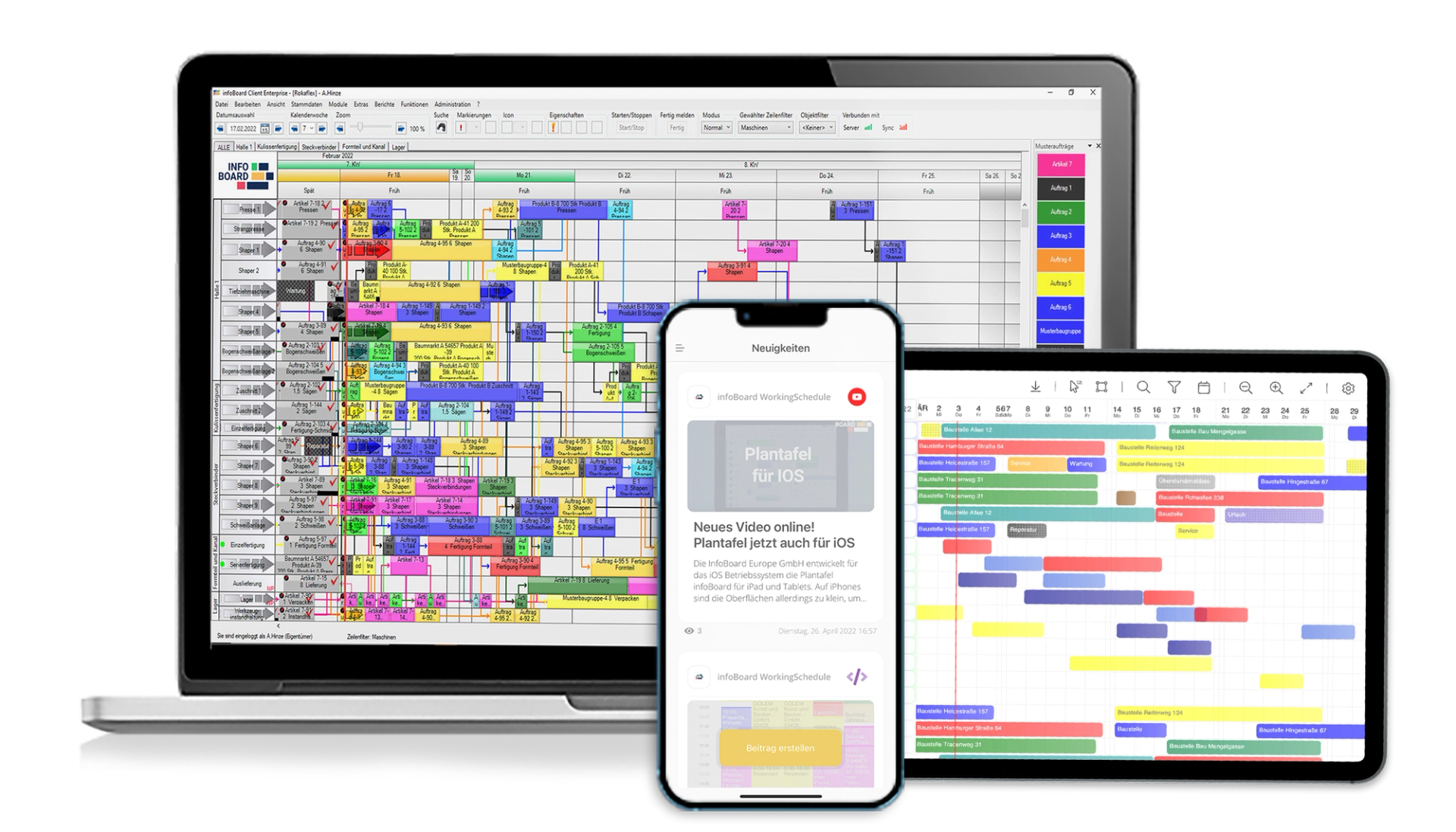
The infoBoard planning board is your central scheduling tool: move orders, check capacities, spot bottlenecks — visually, in real time, without spreadsheets.
- 900+ companies
- Since 2007
- 34 countries
- Up to 30% less setup time
- 900+companies schedule with infoBoard
- Since 2007of experience in production scheduling
- 34countries worldwide
- Up to 30%less setup time
Seven orders running late. Three machines overbooked. The current status is spread across whiteboards, spreadsheets and emails nobody can find. This is not an exception — it is an ordinary week in a lot of manufacturing companies.
The infoBoard planning board brings all of it onto one screen: orders, resources, shifts, qualifications — visible to everyone, with nothing in between. You see immediately what is still realistic today, and where to start tomorrow morning.
Six tools that change how you schedule
No IT project. No process redesign. infoBoard fits into what already works — and makes the rest visible.
Order scheduling that adjusts itself
You move an order with a click. Every dependent deadline, resource and capacity adjusts automatically — no recalculating, no manual updates.
Deadlines that let you sleep at night
You see immediately whether a delivery date still holds — and if it does not, which levers you have. Customer calls about delays get rarer.
Shift scheduling in minutes, not hours
You assign shifts directly on the planning board — no separate tool, no paper shuffling. infoBoard shows free capacity and overloads at a glance.
Overloads, before they happen
Capacity-based scheduling shows you when a line or machine is reaching its limit — early enough to do something about it.
Only qualified staff enter the schedule
As you assign work, infoBoard checks automatically which employees are certified for which tasks. Wrong assignments are prevented, not documented after the fact.
Decisions you make on facts
Simulation mode lets you play through scenarios — a machine breakdown, a rush order, a reschedule — without touching live production. The plan only goes live once you are sure.
What ran today? What is next? Everyone sees the same thing.
The built-in dashboards show utilization, on-time delivery and order progress in real time. On the monitor in the shop, in the production manager's office and in the management meeting room.
Status meetings about information infoBoard updates automatically are a thing of the past. Everyone sees what matters, without asking.
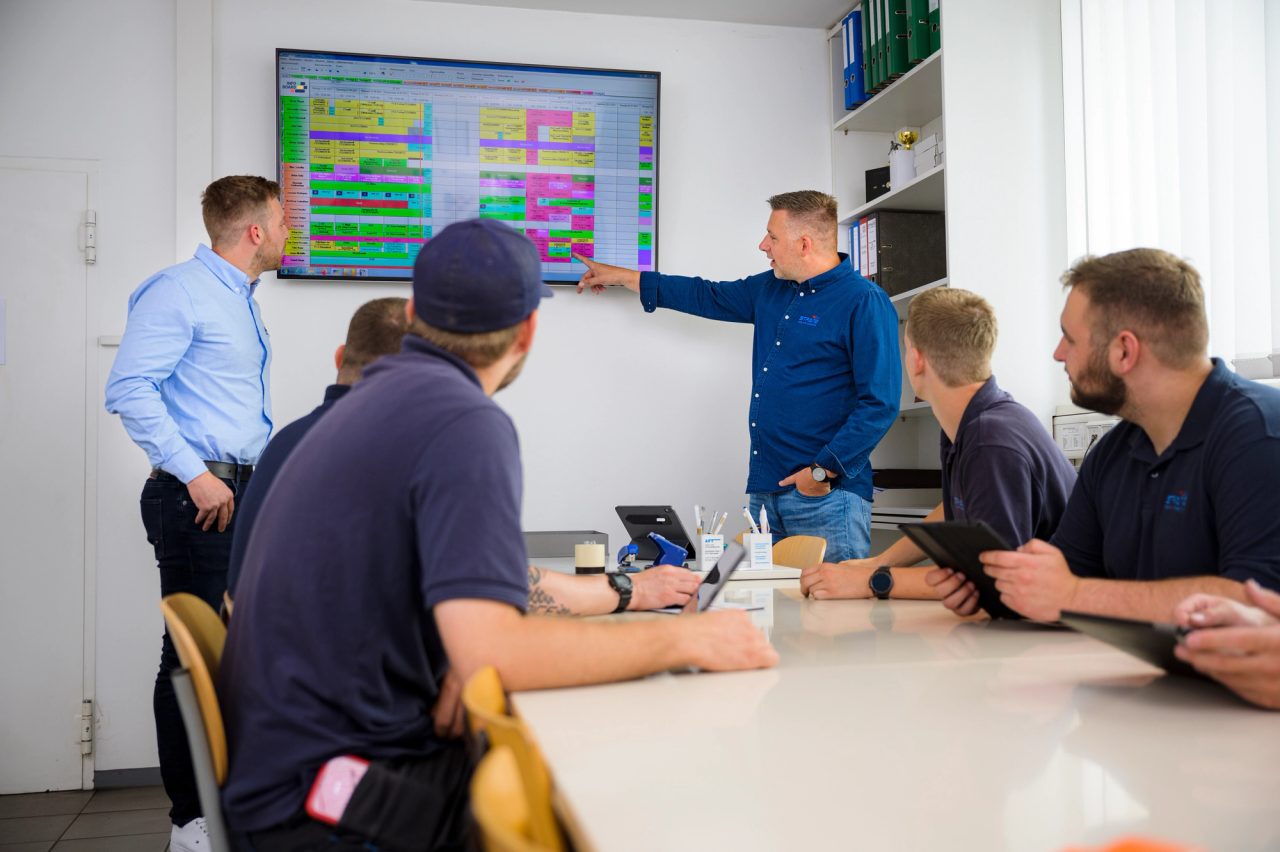
You play through scenarios — without touching live production.
A rush order comes in. A machine breaks down. A customer moves their date. In simulation mode you check what that means for your schedule — before you change anything for real.
Only once you have decided which version makes sense do you move the simulated plan into the live schedule. Better decisions, made faster and with more certainty.

Companies that schedule with infoBoard every day
See infoBoard live in your own plant
A 30-minute demo using your own data. No ERP required. No sales pressure. Just a look at whether it fits.