

In two days you schedule your plant — confidently and fast.
infoBoard is new in your company, and the team should be able to use it, not just see it. In the workshop you build your own digital planning board, step by step. At the end you schedule real orders — at your own PC, with our guidance.
- 2 full days
- At your own PC
- Available online
- Materials included
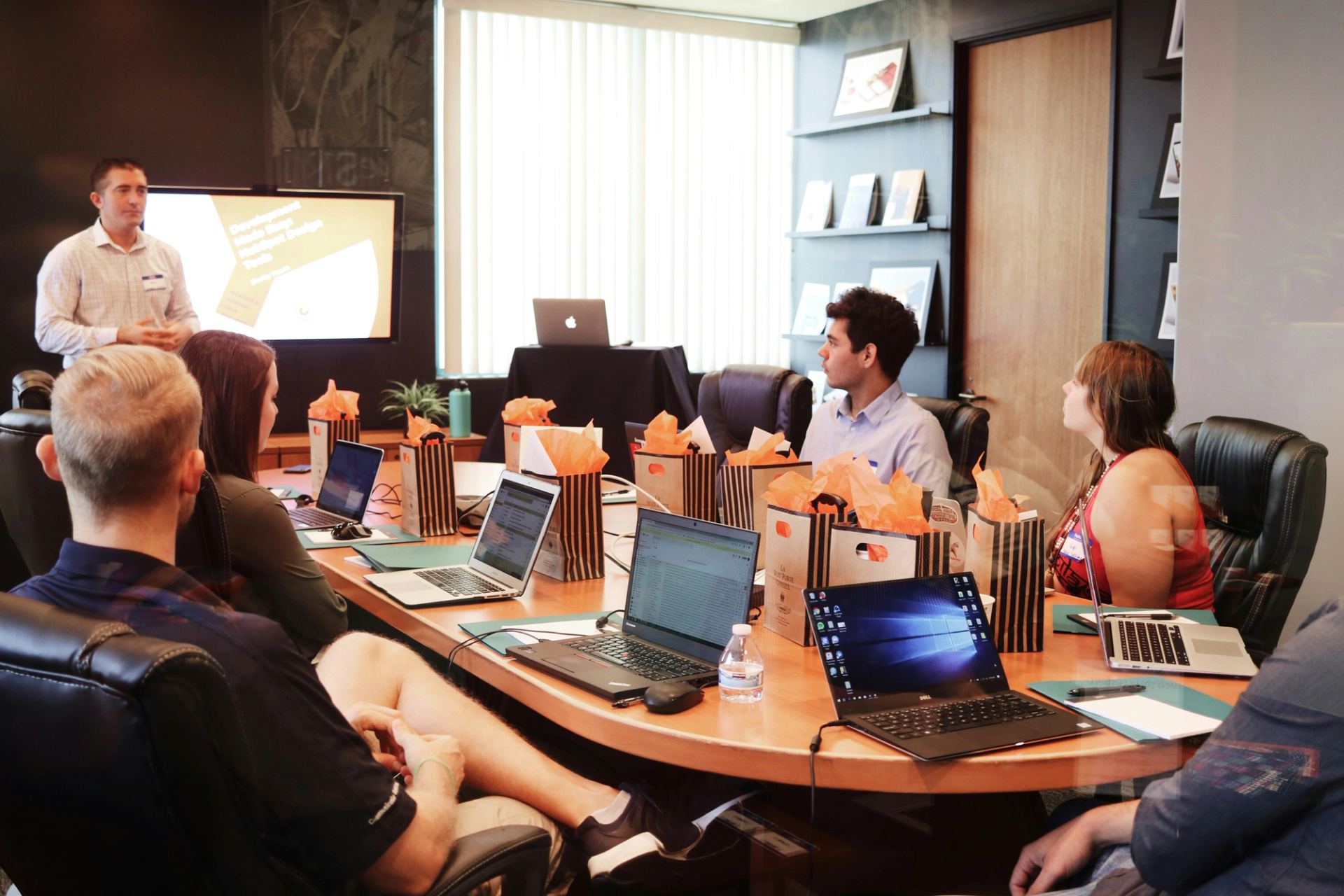
Understanding software means having used it yourself.
A training session where you only watch is forgotten by the next day. That is why you work with the software yourself from the first minute of the infoBoard workshop. You try out every function directly on your own planning board.
At the end of the two days you have not just seen how infoBoard works. You have mapped your organization, scheduled orders and created reports — and you can start right away.
Building the digital planning board and scheduling
- 9:00–9:30 am
What is infoBoard?
General information on planning and on the software.
- 9:30–9:55 am
Structure of infoBoard
Getting to know the infoBoard user interface and the information it displays.
- 9:55–10:10 am
Working hours
Setting up your own calendar: working hours and shift patterns.
- 10:10–10:30 am
Shift patterns, non-working time and downtime
Difference between planning objects and downtimes.
Break 10 min
Catch your breath and get a coffee.
- 10:40–10:50 am
Visualization
Colors and what they mean.
- 10:45–11:20 am
Properties on the planning object
Planning objects and their properties.
- 11:20–11:40 am
User-specific handling and appearance
Global and local settings.
- 11:40 am–12:05 pm
Navigating the planning board
Navigation.
Lunch break 55 min
Something to eat before the afternoon session.
- 1:00–1:30 pm
Planning object groups
Scheduling order sequences.
- 1:30–2:10 pm
Services / products, calculating on the planning board, filters
Participants learn the difference between services and products.
- 2:10–2:40 pm
Columns: dividing the day – operating time/working hours/shifts
Participants learn to set up their own factory calendar.
Break 15 min
Ready for the final session.
- 2:55–4:00 pm
Excel Import module (on request)
Importing and managing orders.
Advanced topics, reports, analyses
- 9:00–9:20 am
Vacation periods
Vacation periods.
- 9:20–9:35 am
Excel export
Excel export.
- 9:35–9:55 am
Advanced features
Advanced features.
- 9:55–10:50 am
Scheduling an order automatically – sample order
Sample order – automating day-to-day scheduling.
Break 15 min
Catch your breath and get a coffee.
- 10:45–11:05 am
Business processes. Status of a planning object
Visualizing statuses.
- 11:05–11:45 am
Multi-dimensional planning (MD) 3 applications: customers/projects – employees
Multi-dimensional planning.
- 11:45 am–12:00 pm
Context menu on the planning object
Intervals and visual separation of planning objects.
- 12:00–12:20 pm
Import functions from Excel
Excel import.
Lunch break 55 min
Something to eat before the afternoon session.
- 1:15–1:40 pm
Read-only user functions
Scope of read-only permissions.
- 1:40–2:05 pm
Defining board periods
Planning horizon.
- 2:05–2:30 pm
User permissions and role concept
Permission management.
- 2:30–2:50 pm
Controlling module
Resource utilization.
- 2:50–3:10 pm
Localization module
Assigning tasks and work areas.
After the workshop you are not on your own.
Workshop materials
During the workshop you work with materials that make every step easy to follow.
Handout at the end
At the end you receive a handout that summarizes the key points.
User manual
The English manual to look things up — available whenever a question comes up.
Solution sheet
The solutions to every exercise, so you can go through them again later with confidence.
Keyboard shortcuts as a PDF
The most important keyboard shortcuts on one sheet — download it and pin it up.
E-learning access
Access to the learn.infoboard.biz portal — to review at your own pace, whenever you want.
Two days, interactive, at your own screen.
Format
Two full days, interactive in a group — with practical exercises that every participant works through directly at their own PC.
Technical setup
You need one PC per person, plus Teams, Zoom or TeamViewer with audio and video. That way we are with you live and can look at your screen as soon as a question comes up.
Who it is for
The workshop is for everyone who schedules: in production, in installation or in workforce scheduling. You do not need any prior experience with infoBoard.
Ready to schedule with confidence in two days?
Tell us what you schedule — production, installation or your workforce. We will suggest dates that work for you. Available Mon–Fri, 9 am–5 pm CET.